

System Design Essentials: Content Delivery Networks (CDNs)

0. What is a CDN?
Content Delivery Networks (CDNs) are globally distributed network of proxy servers, serving content from locations closer to the user to reduce latency.
Generally, static files such as HTML/CSS/JS, photos, and videos are served from CDN.
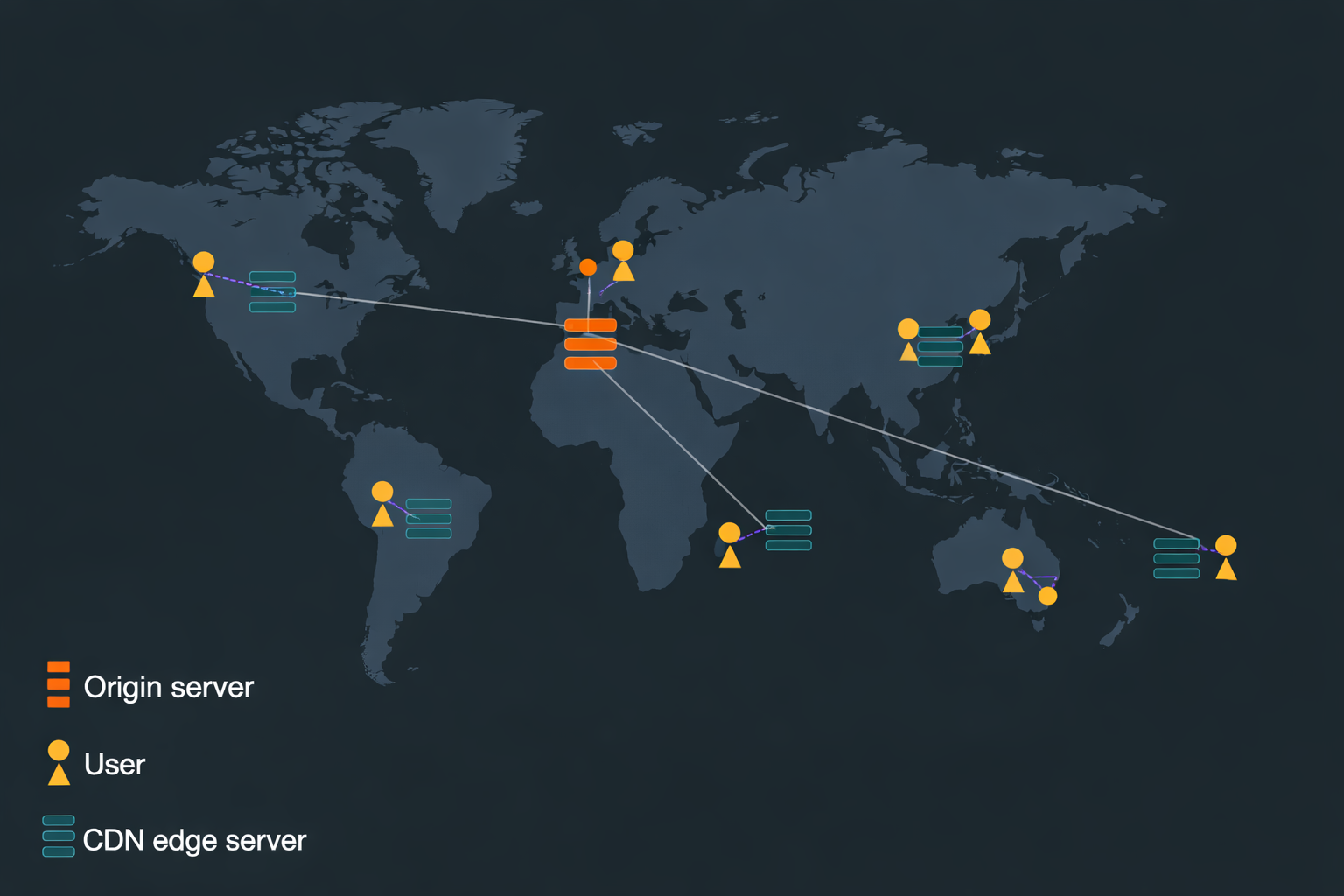
1. CDN Terminology
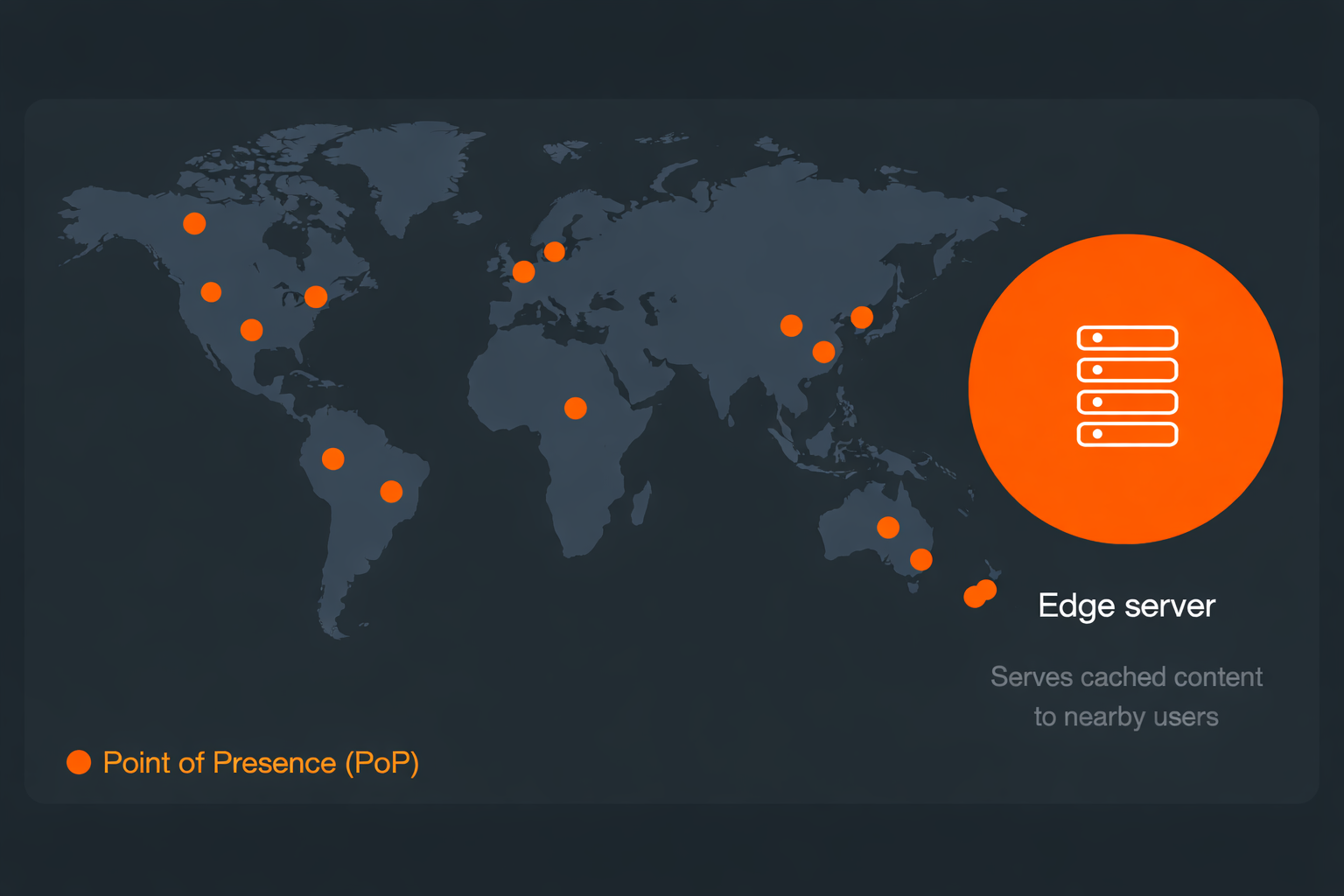
CDN deploys servers at hundreds of locations all over the world.
Point of Presence (Pop): Server locations
Edge Server: A server inside the Pop
2. How CDNs Route Traffic
There are many CDN provider companies (e.g. Amazon Cloudfront, Cloudflare). Different CDN providers use different technologies to direct a user’s request to the closest Pop.
DNS-based routing
Each Pop has its own IP address
When the user looks up the IP address for the CDN, DNS returns the IP address of the Pop closest to them.
Anycast
All Pops share the same IP address
When a request comes into the Anycast network for that IP address, the network sends the request to the Pop that is closest to the requester.
3. Why we use CDN?
Users receive content from data centers closer to them
→ lower latency (improved performance)
Your servers do not have to serve requests that the CDN fulfills
- Edge server only askes for a copy of static content from the origin server if it is not in its cache.
High availability
- By having copies of contents available in many Pops, a CDN can withstand many more hardware failures than the origin servers.
4. Content Fetching Strategies
4.1. Push CDNs
Content is uploaded directly to the CDN
Updates are pushed when content changes
Full control over cache expiration
👉 Minimizes traffic, increases storage usage
Best for:
Low-traffic sites
Content that rarely changes
4.2. Pull CDNs
CDN fetches content from the origin on request
First request is slow (cache miss)
Subsequent requests are fast (cache hit)
Uses TTL (Time To Live) for cache management
👉 Efficient storage, but may cause redundant traffic
Best for:
High-traffic sites
Frequently requested content


